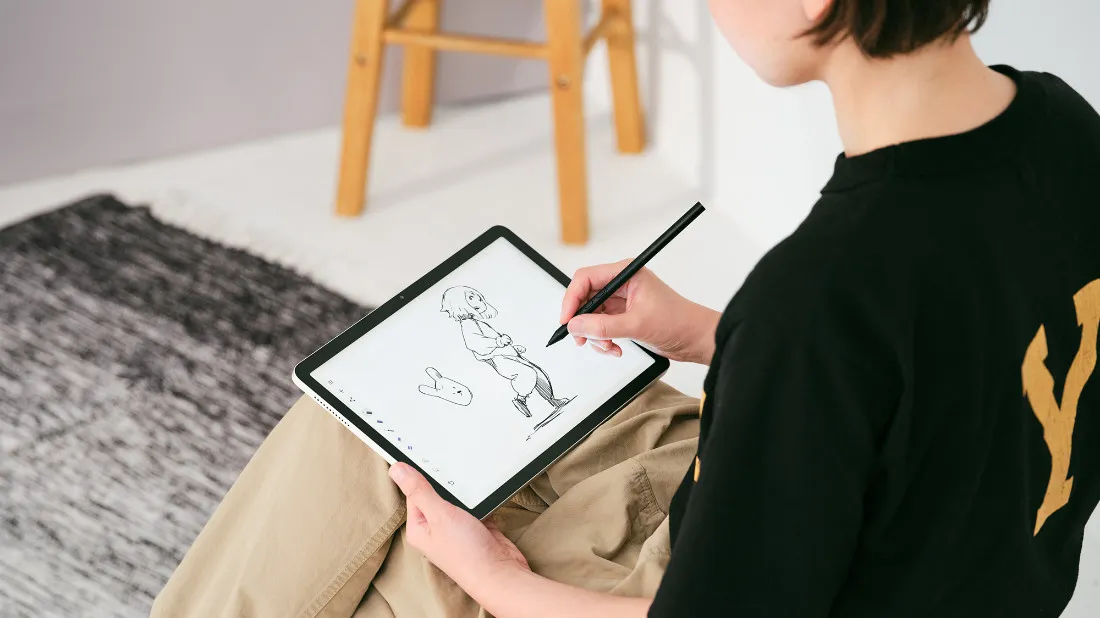
Wacom MovinkPad 11 opens a fresh canvas when a pen is held briefly against its sleeping screen. A battery-free pen and a shorter startup process make it easier to begin a sketch.
Article
Picking up a tablet to make a quick doodle can begin with a search for the right app. If the previous drawing opens, a new document must be created first. Wacom MovinkPad 11 shortens that preparation: holding the pen briefly against its sleeping screen opens a sketching app. Starting is closer to opening a paper notebook.
Announced in July 2025, the device runs Android on its own, unlike a pen display that needs a connected computer. Quick Drawing opens a fresh canvas in Wacom Canvas, keeping earlier work safe. A new line can begin without first deleting an old drawing or choosing where to save a document.
The included Pro Pen 3 has no rechargeable battery, but it still uses electricity. A magnetic field generated by the screen induces current in a coil inside the pen. The tablet reads the signal returned by the pen, repeating this exchange rapidly to track its movement. This method is called electromagnetic resonance, or EMR. The screen supplies the pen's power.
The tablet detects more than the position of the tip. Pressure and tilt information are sent to the drawing app, allowing a light stroke to appear thin, a firmer one thick, or a tilted pen to shade broadly like a pencil held on its side. The exact effect depends on the selected brush settings. Pen movement and the software tool determine the result together.
The glass surface also affects drawing. MovinkPad 11 adds a fine texture to the glass to reduce reflections and increase friction at the pen tip. It does not become paper, but the contact surface is adjusted so the pen is less likely to glide as freely as it would across smooth glass.
A simple sketch can begin in Wacom Canvas and be developed in an app such as Clip Studio Paint. Wacom Shelf brings sketches and reference images together. Starting resembles opening a fresh sheet of paper; returning to the work involves finding and editing a digital file. The pen needs no charging point, but its strokes still need the tablet and drawing app to receive them.
Sources and editorial notes
Wacom · 2025-07-24 MovinkPad 11 official introduction and configuration at launch
Wacom Canada official product page · Conditions for opening a new canvas in Quick Drawing
Wacom Support · Description of coil, magnetic field, position, pen pressure, and tilt of EMR method
Wacom Official YouTube · MovinkPad 11 Introduction Video, 2025-07-16
Editorial note: Facts were checked against the sources above; interpretations reflect MUADAILY’s editorial perspective. Image: Wacom / MovinkPad 11 official blog.
Machine-translated from Korean. Read the original.